Following the Money, Drawing the Map
Two weeks ago, Democracy Direct was a tool for finding your representatives and contacting them. Today it shows you how they vote, who funds their campaigns, and where your congressional district starts and ends. That’s a bigger jump than I expected to make this fast.
What shipped
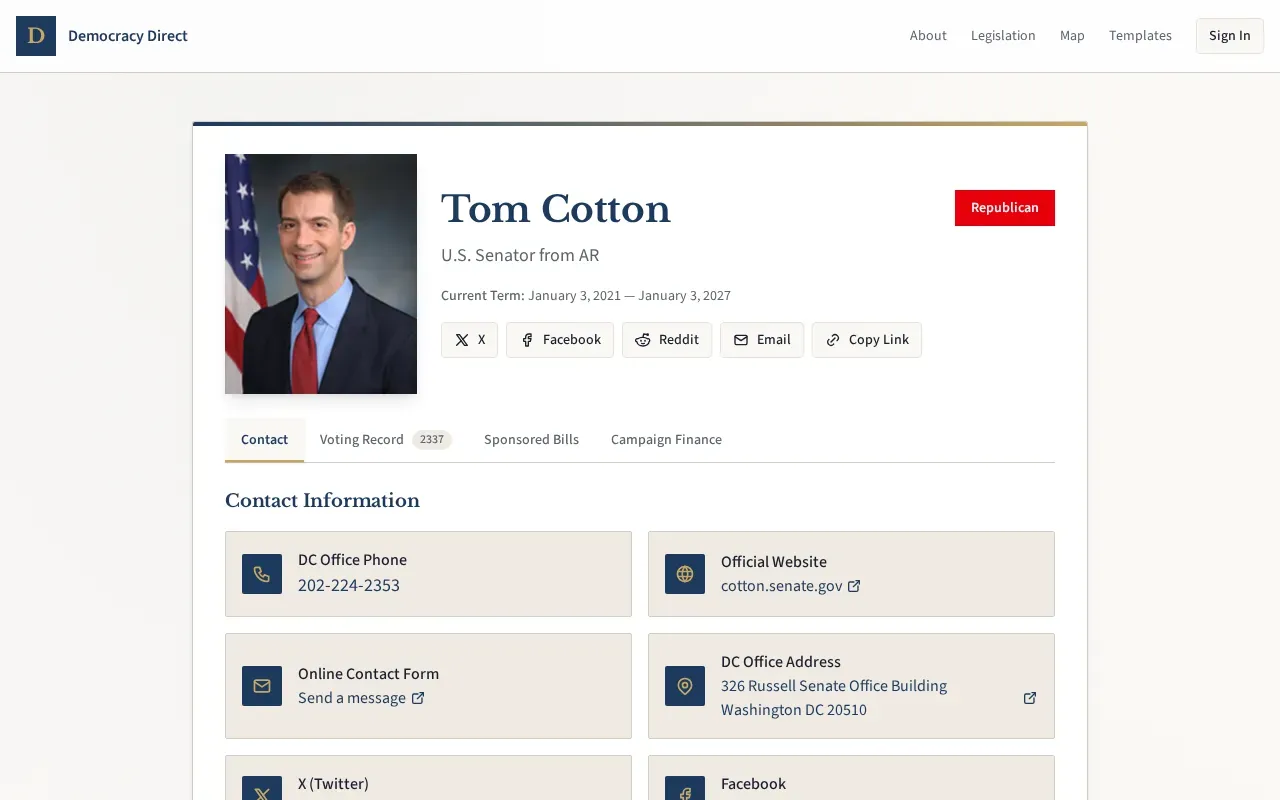
The short version: rep profile pages now have tabs. The contact form is still there, but next to it you’ll find sponsored legislation, a full voting record with party-line breakdowns, and campaign finance data pulled directly from the FEC.
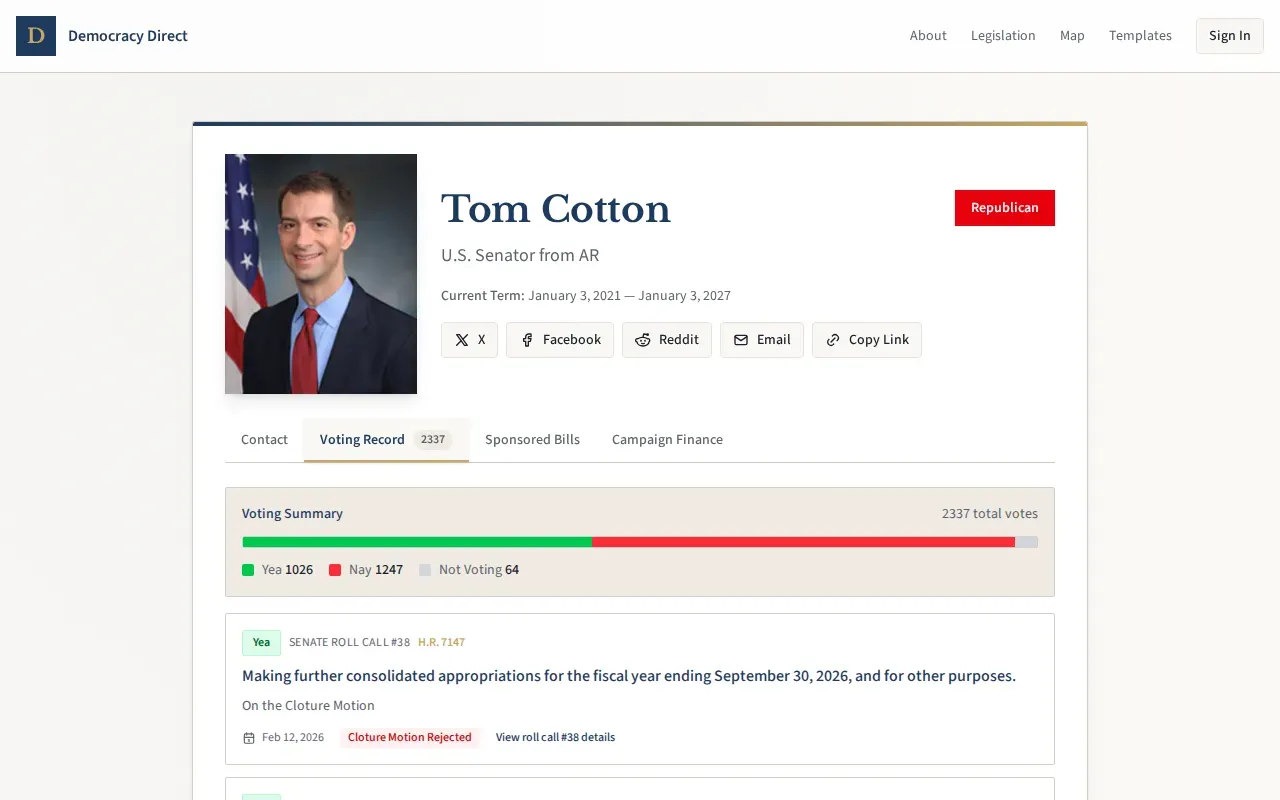
The voting record tab is the one I’m most happy with. Individual roll call votes with position badges, so you can see at a glance whether your rep voted yes, no, or didn’t show up. Click into any vote and you get the member-by-member breakdown.
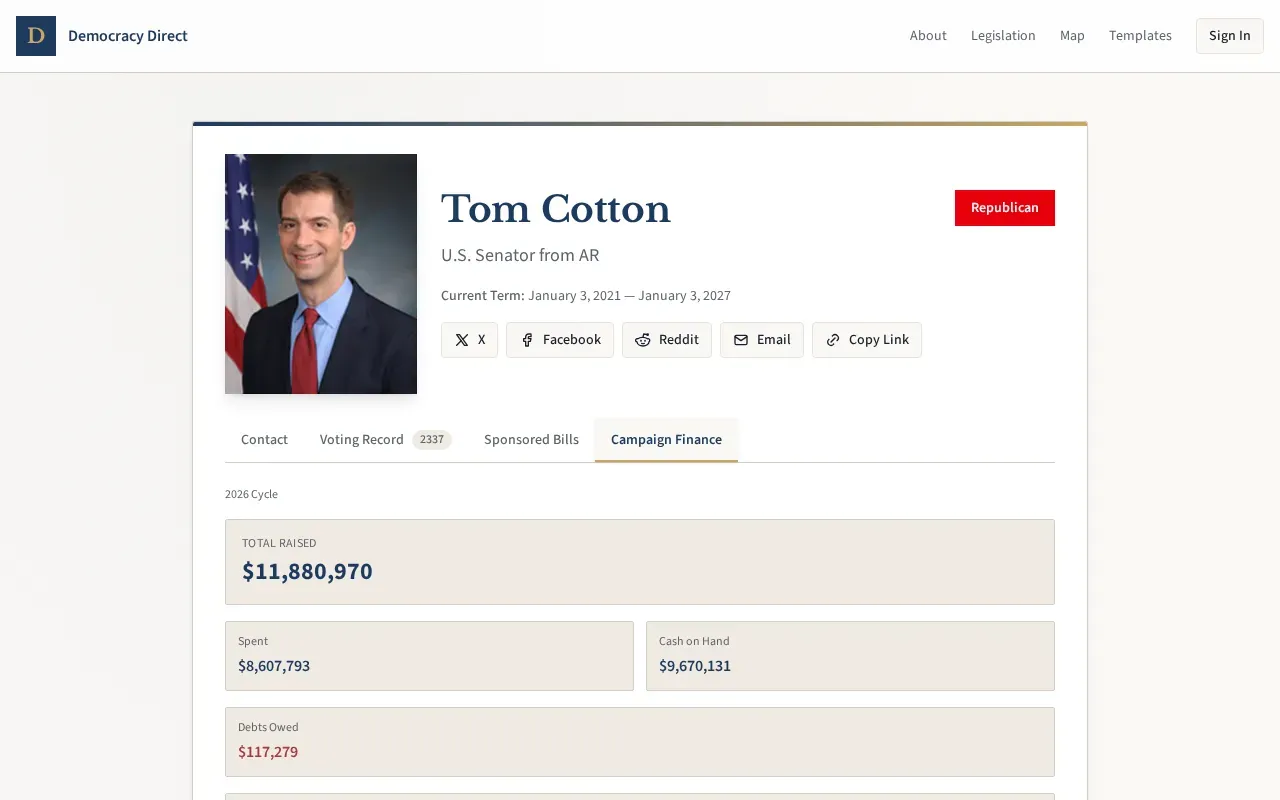
Campaign finance pulls from the FEC and shows PAC contributions and independent expenditures. You can see which organizations are putting money behind (or against) your representative.
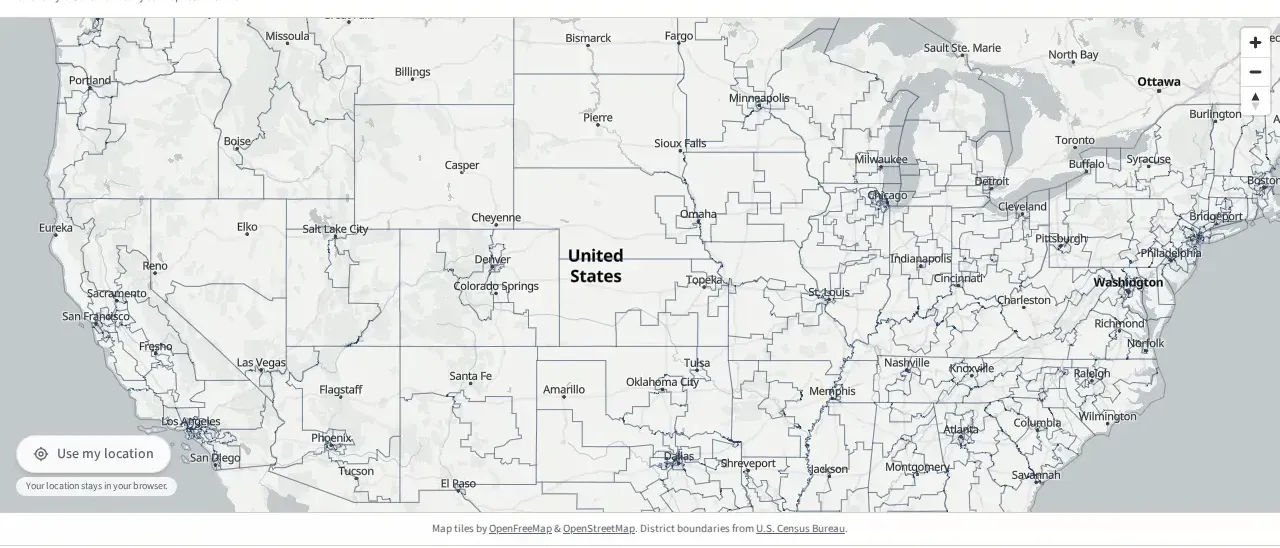
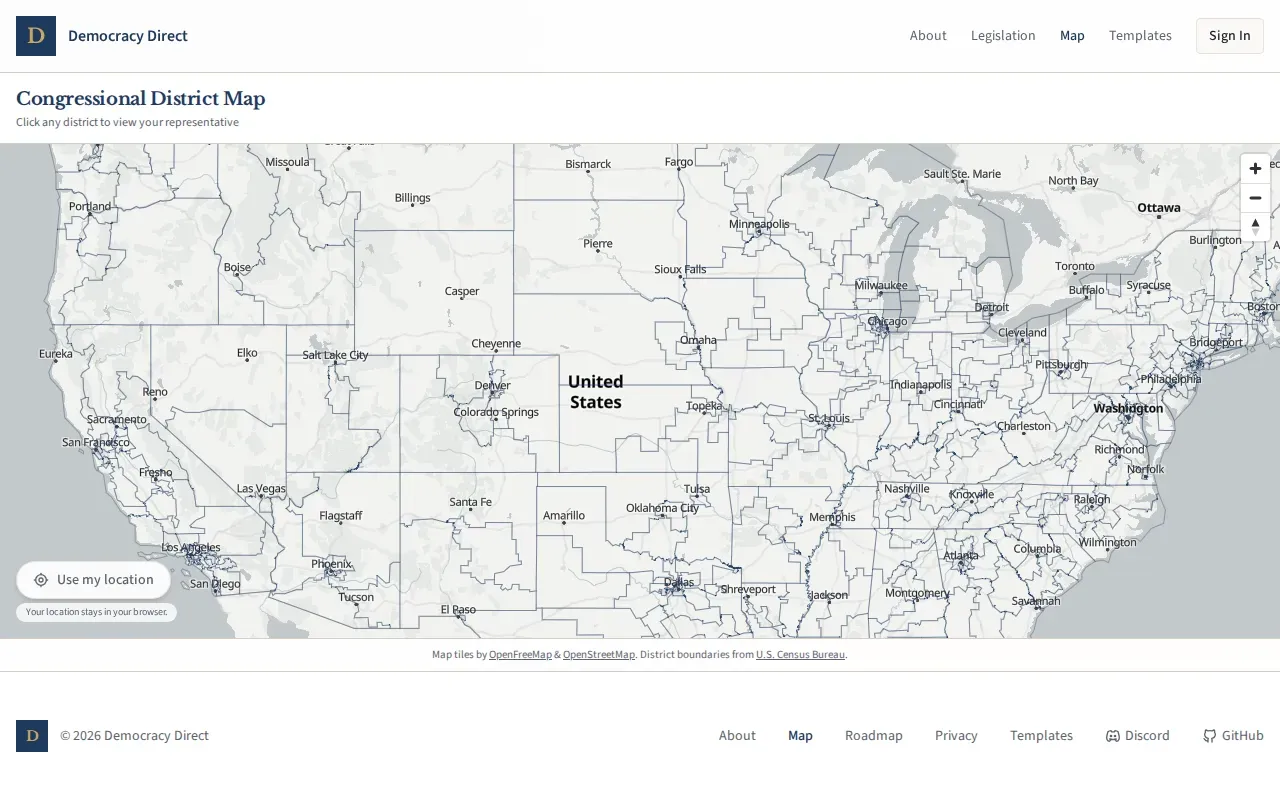
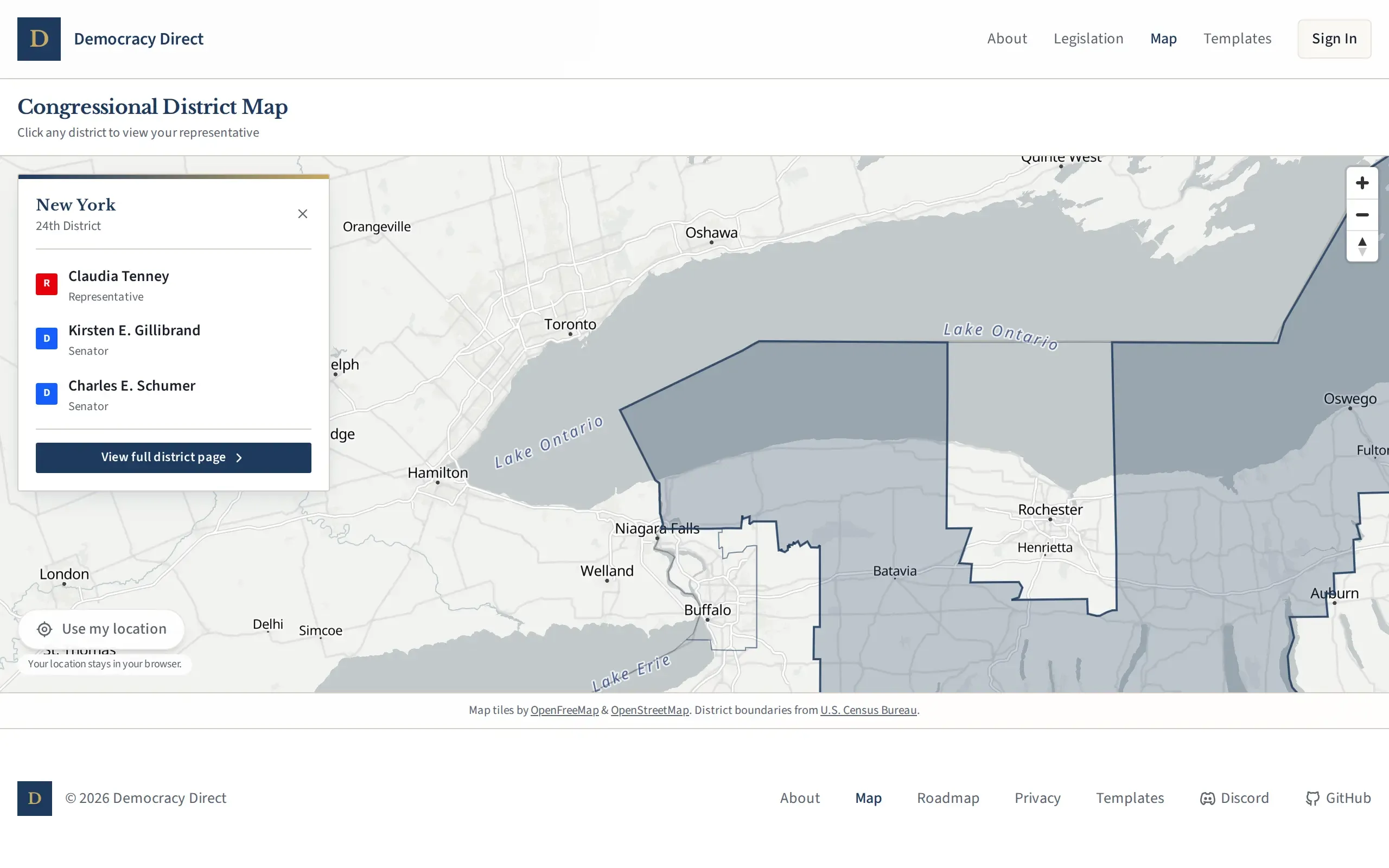
There’s also an interactive congressional district map now. You can share your location (never stored on the server) or just use normal map controls to zoom into wherever you want. Click on a district and you get the reps. If your ZIP code spans multiple districts, you’ll get a link to the map so you can pick the right one visually. The map tiles are served from Cloudflare R2 in a binary format called PMTiles, which was a pain to get working (the format requires HTTP range requests, and getting those configured correctly took longer than building the actual map interface).
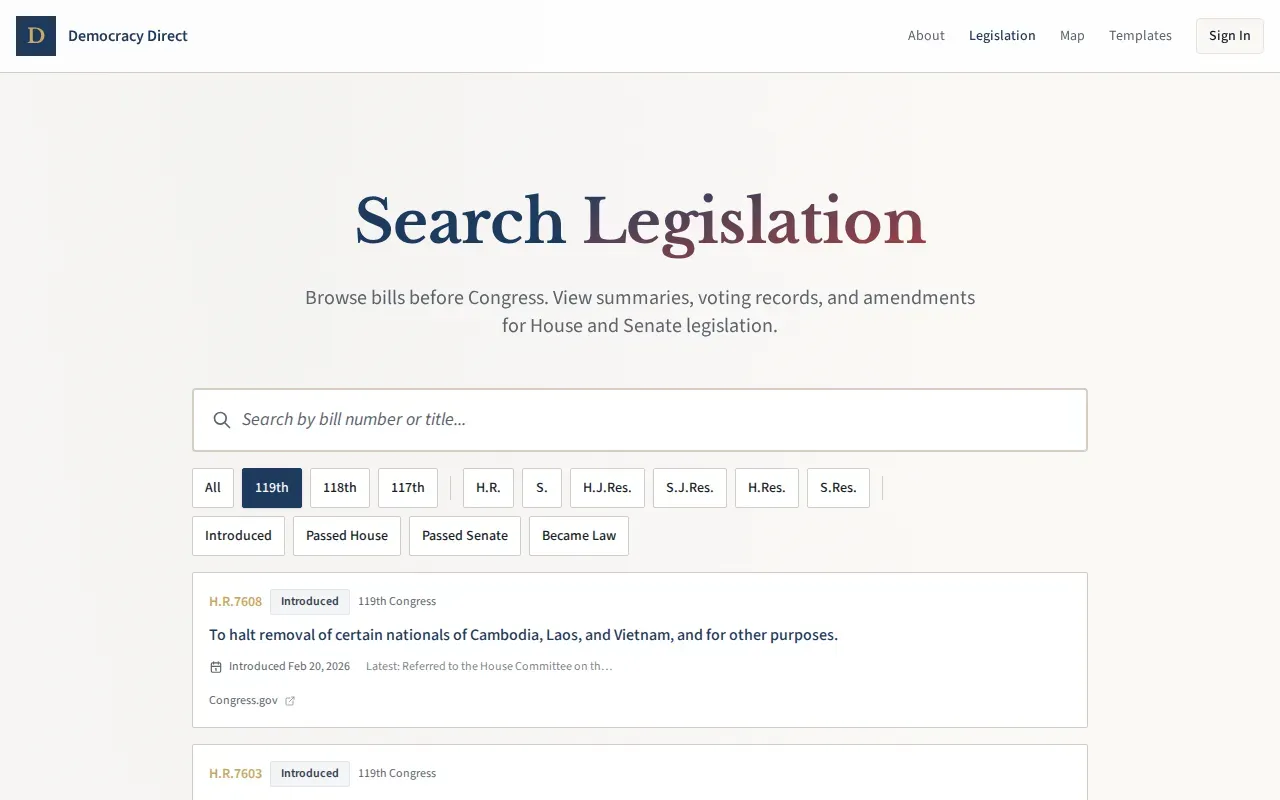
On the legislation side, there’s a searchable bill index and individual bill pages showing amendments, vote history, and summaries. You can trace a bill from introduction through committee to floor vote, and see how each member voted.
All of this runs on a data pipeline that syncs from Congress.gov and FEC APIs. Which brings me to the part that kept me up at night.
The infrastructure nobody talks about
Every civic tech tool that shows you what Congress is doing depends on Congress.gov’s API, either directly or through someone who depends on it. It’s the primary open data source for congressional activity in the United States, and when it breaks, you find out the same way everyone else does: your sync job starts failing.
It gets thinner than you’d think. ProPublica used to maintain one of the best Congress APIs available. It’s now labeled “historical reference only” and isn’t actively maintained.
That leaves Congress.gov’s own API and LegiScan as the main programmatic sources for voting records and legislation data. Congress.gov has a v3 update scheduled for March 16 that changes the canonical URL, which will break any integration that hardcoded the old endpoint.
I’m not saying this to complain. I’m saying it because when you use a tool like Democracy Direct (or Resistbot, which just crossed 40 million letters delivered, or any of the other civic tech projects in this space), the data has to come from somewhere. And “somewhere” is a surprisingly small number of government-maintained APIs with no uptime guarantees.
This is part of why I built the sync pipeline the way I did. The data is pulled, processed, and stored locally rather than fetched on demand. If Congress.gov goes down tomorrow, the voting records and legislation data already in the system stay available. It’s not a complete solution (stale data is still a problem), but it’s better than showing users a blank page.
Why campaign finance
There’s a bill in the current Congress, H.R. 5237, the Campaign Transparency Act. It would eliminate reporting thresholds for identifying people who contribute to political committees, meaning all donors would be disclosed regardless of amount. Whether you think that’s a good idea or not probably depends on your politics, and I’m not here to tell you which way to lean on it.
But I do think the information should be accessible. Right now, the FEC publishes this data and it’s technically public, but “technically public” and “actually usable by a normal person” are different things. The raw FEC bulk data files are not something you browse casually. So when I built the campaign finance tab, the goal was straightforward: take data that’s technically public and make it actually readable on the same page where you’re already looking at your rep’s voting record.
You should be able to see how someone votes and who funds their campaigns in the same place. That’s not a political statement. It’s an interface decision.
What’s next
The UUID migration is done (moved from v4 to v7 across all primary keys, which matters for database performance but not for anything you’d notice as a user). Lighthouse auditing is running in CI now, which means accessibility and performance regressions get caught before they ship. And every legislator photo got optimized into multiple formats and sizes, because serving a 2MB JPEG of your senator’s headshot on a phone is rude.
The data sync pipeline reports to the Democracy Direct Discord’s developer channels, so failures surface quickly.
The next big feature is state legislatures. Federal reps are only part of the picture, and a lot of the policy that affects your daily life happens at the state level. That’s coming.
I’m also writing up how I built all of this in three weeks. The short version involves a technique people have started calling Ralph Wiggum, some aggressive guardrails, and a lot of feedback loops. That post is next.
Try it
Democracy Direct is open source and live at democracy-direct.com. The code is on GitHub. If you want to look up your rep’s voting record, see who’s funding their campaigns, or find your congressional district on a map, that’s all there now. If you want to read the source code to verify how the privacy model works, that’s there too.
If you find bugs, the issue tracker is open. If you have opinions about what data should be on rep profile pages, I’m interested in hearing them.
Democracy Direct is an open source civic engagement platform. Check it out on GitHub or join the Discord.